 SnapHang
SnapHang
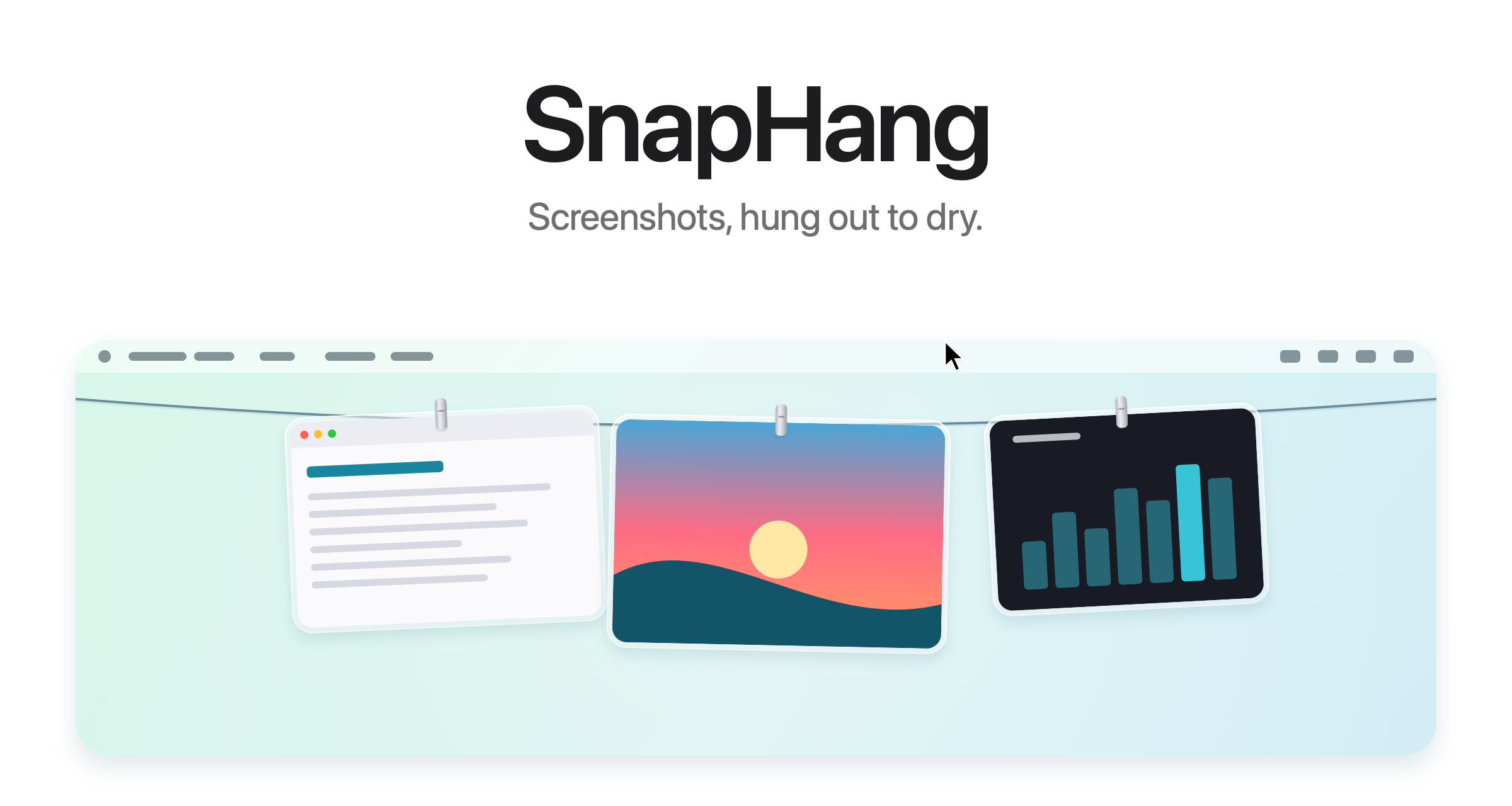
Hang screenshots and recordings on a line.
A tiny menu bar app that catches every screenshot you take and hangs it on a line at the top of your screen. Copy, annotate, drag to share — or let it go. Your Desktop stays clean.
Mac App Store $4.99 · macOS 14+ · Apple Silicon
Everything on the line.
SnapHang stays out of your way and brings every screenshot right back when you need it.
Always in the menu bar
SnapHang lives at the top of your screen, one click away. The dot on the icon tells you when it is watching your clipboard.
Screenshots, on the line
Every new screenshot hangs on the line the instant you take it — no files to hunt for, no Desktop to tidy.
Toggle with a shortcut
Press your global shortcut (⌃⌥T by default) to hang or hide the line from anywhere, then change it in the menu.
Any image, not just screenshots
Right-click any picture or recording in the Finder and choose Open With → SnapHang. It hangs on the line — the file stays right where it is.
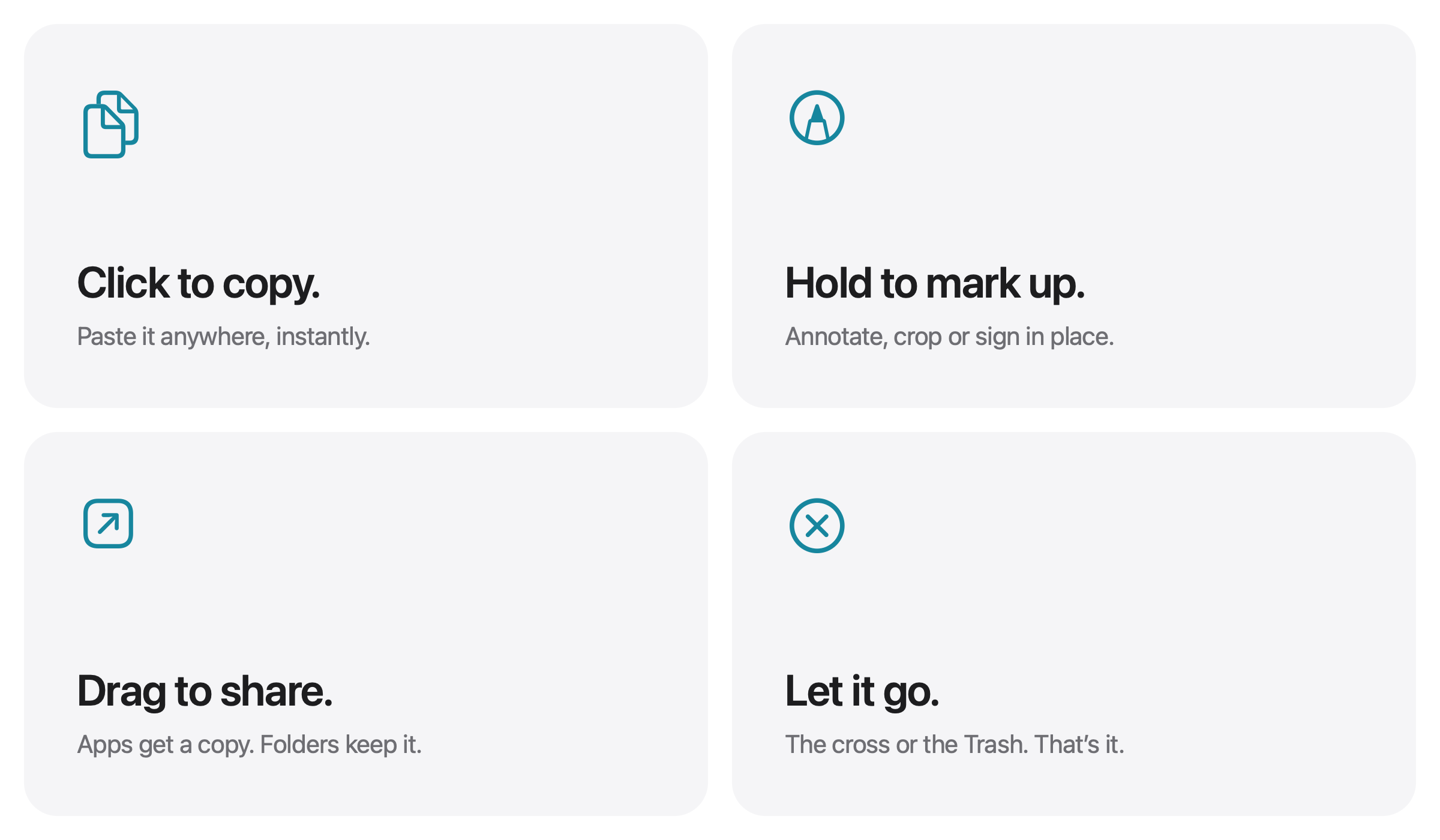
Copy, mark up, share, release.
Everything you can do with a screenshot on the line — with a click, a hold or a drag.
System requirements
SnapHang is built natively for Apple Silicon and tuned to feel at home in the macOS menu bar.
- Hardware Apple Silicon (M1 or newer)
- System macOS 14 Sonoma or later
- Architecture Universal native, arm64
Intel-based Macs are not supported. The app runs entirely on your device — no account, no server, no sign-in.
Private by design
SnapHang never collects, transmits or sells your data. Screenshots and settings stay on your Mac — that is the whole point of a clothesline.